Film, Props & Set Dressing
Track pulls, staging, hero props, breakaways, rental returns, continuity, reshoots, and the things everyone swears we’ll never need again. We know better.
Visual inventory for physical operations
Turn spaces, bins, kits, props, tools, rentals, catering gear, and rotating stock into searchable visual inventory without hours of manual data entry. Capture now, identify now or later, and use the record to search, plan, track, and hand off physical work.


MYBOXai Teams: coming soon, join the list
Most inventory systems depend on perfect data entry. We start with what teams already do naturally: taking photos. Snap a shelf, bin, truck, room, kit, rental pull, catering setup, or prop return. AI-assisted tools help identify and organize what is visible, so the record becomes useful without someone typing every item one by one.
Snap a photo, review the names, and find the item again when you need it.
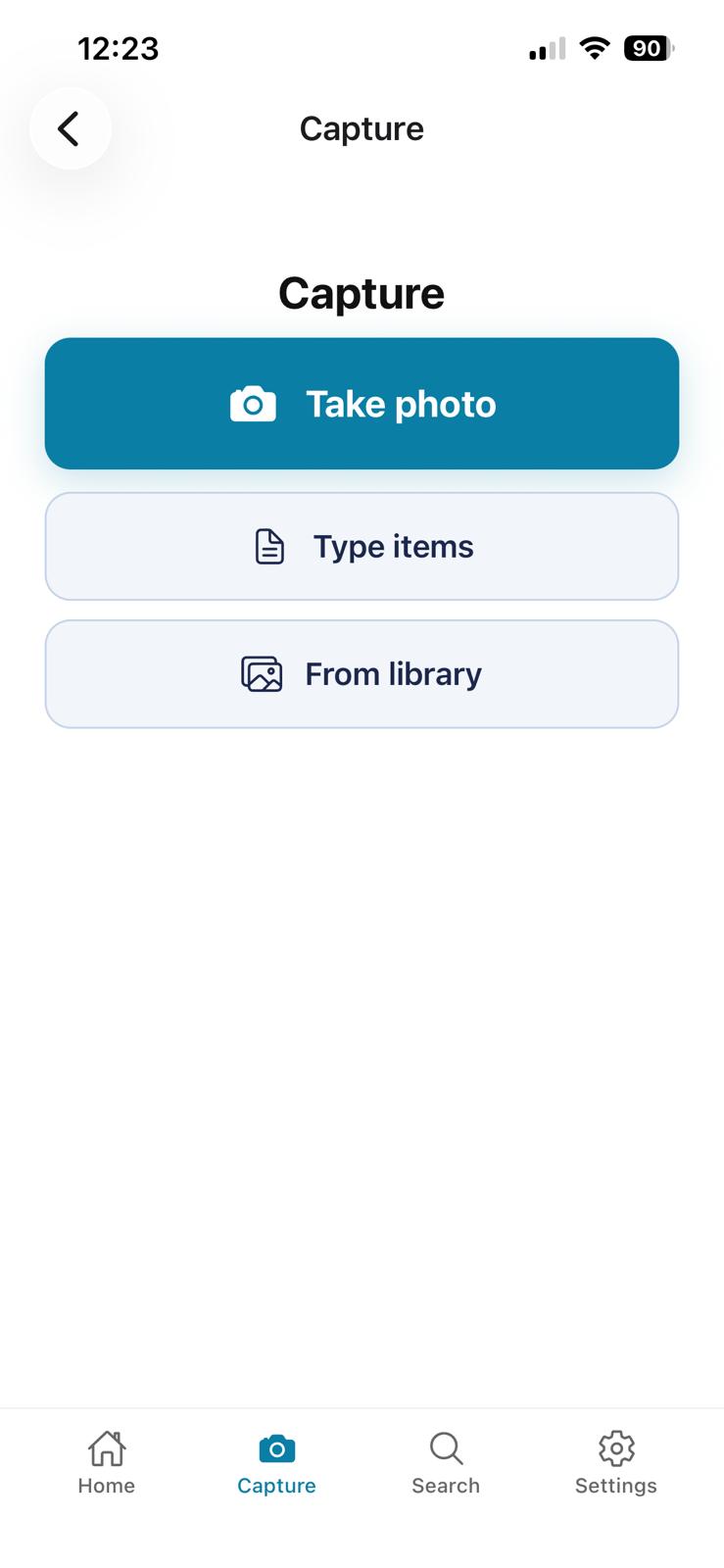
01
Take a photo, choose one from your library, or type the items yourself.
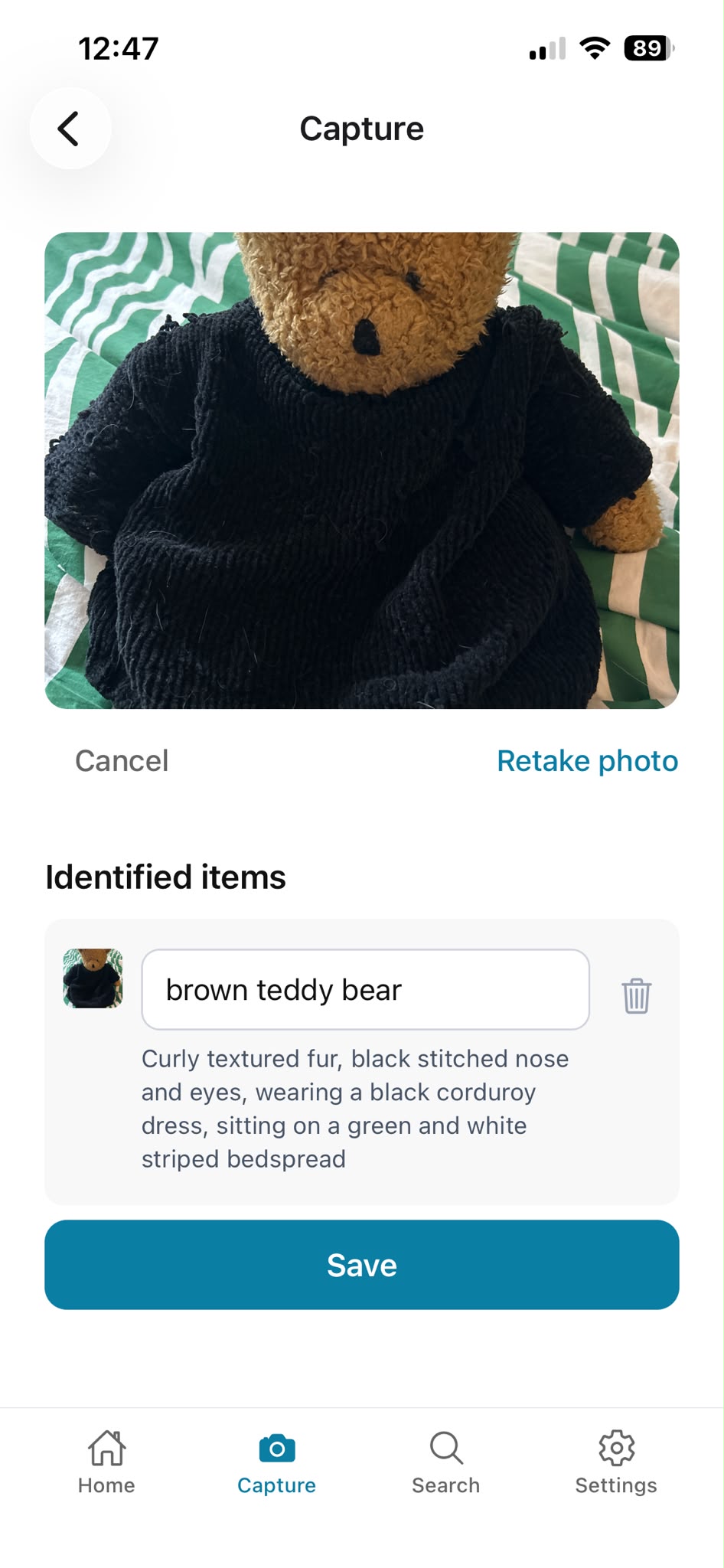
02
Check the names before you save them. Change or remove any that are not right.
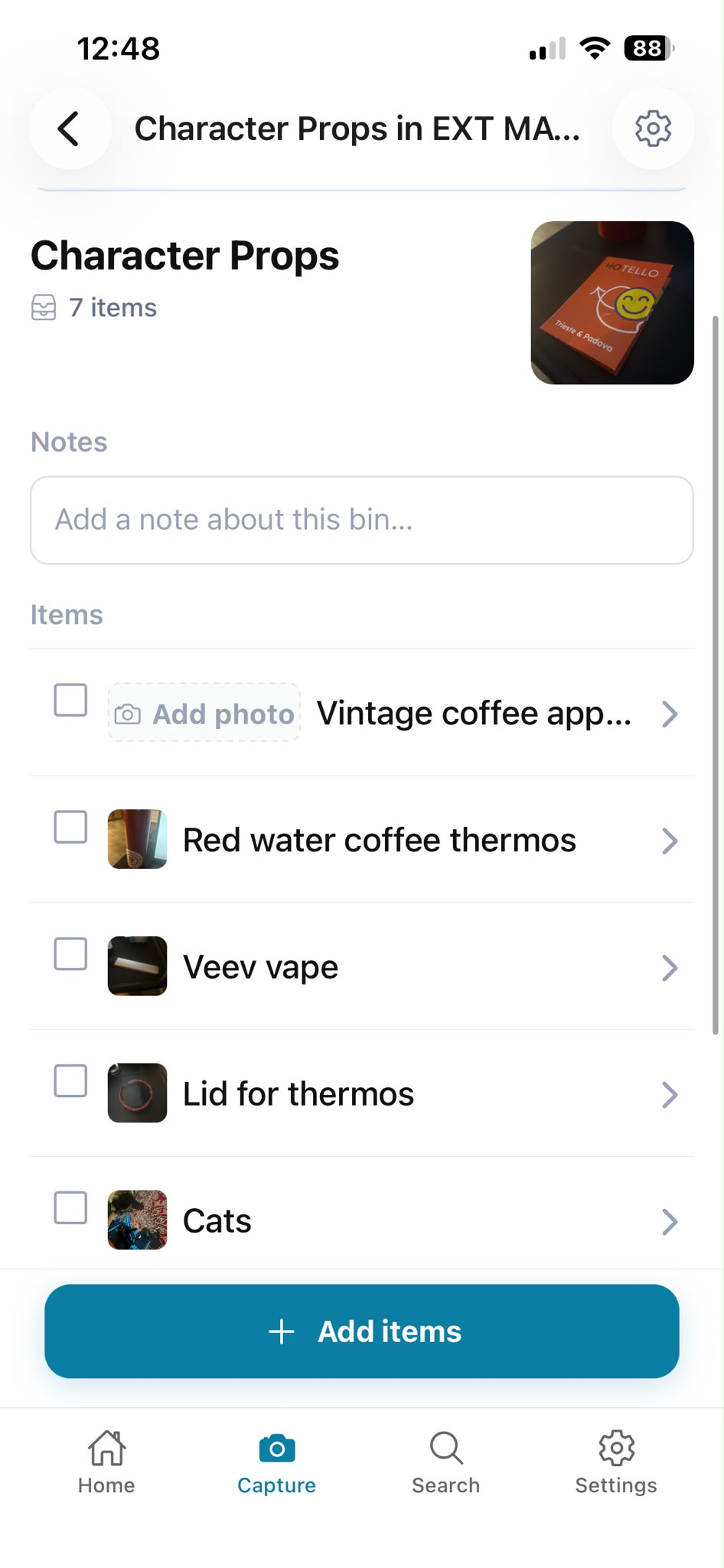
03
Put items in a bin inside a space. Open the bin to see what is in it.
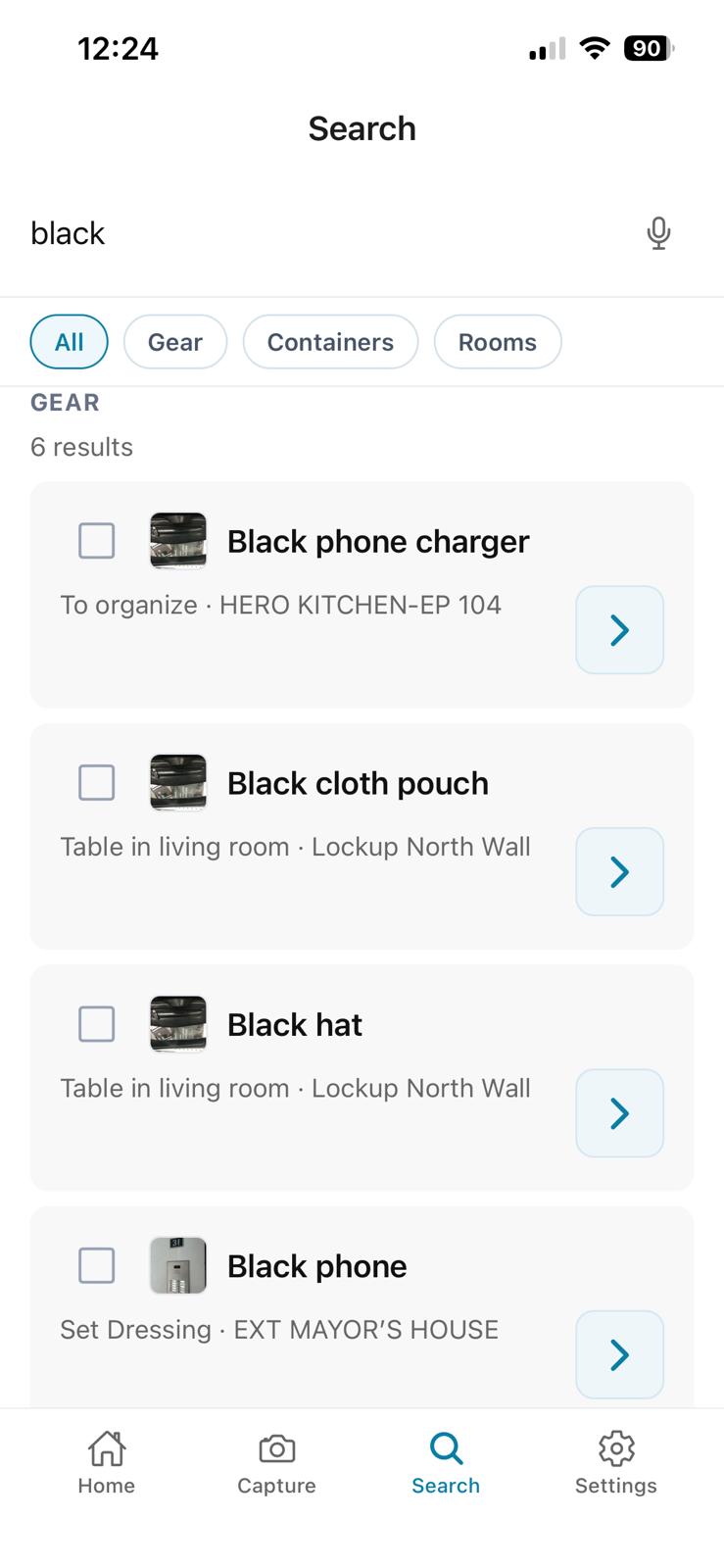
04
Type a name, or tap the microphone and say what you are looking for.
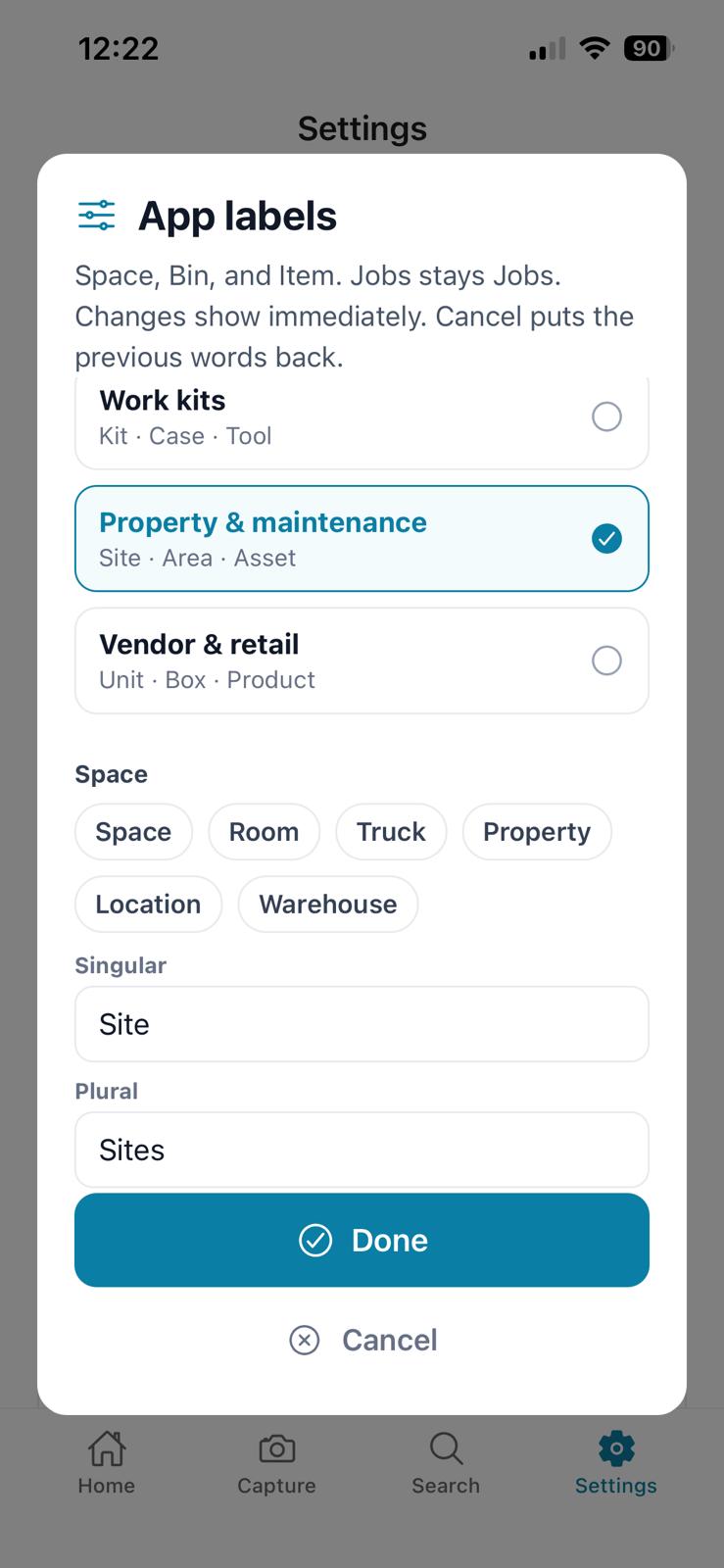
Name Space, Bin, and Item in your own words. The inventory works the same underneath.
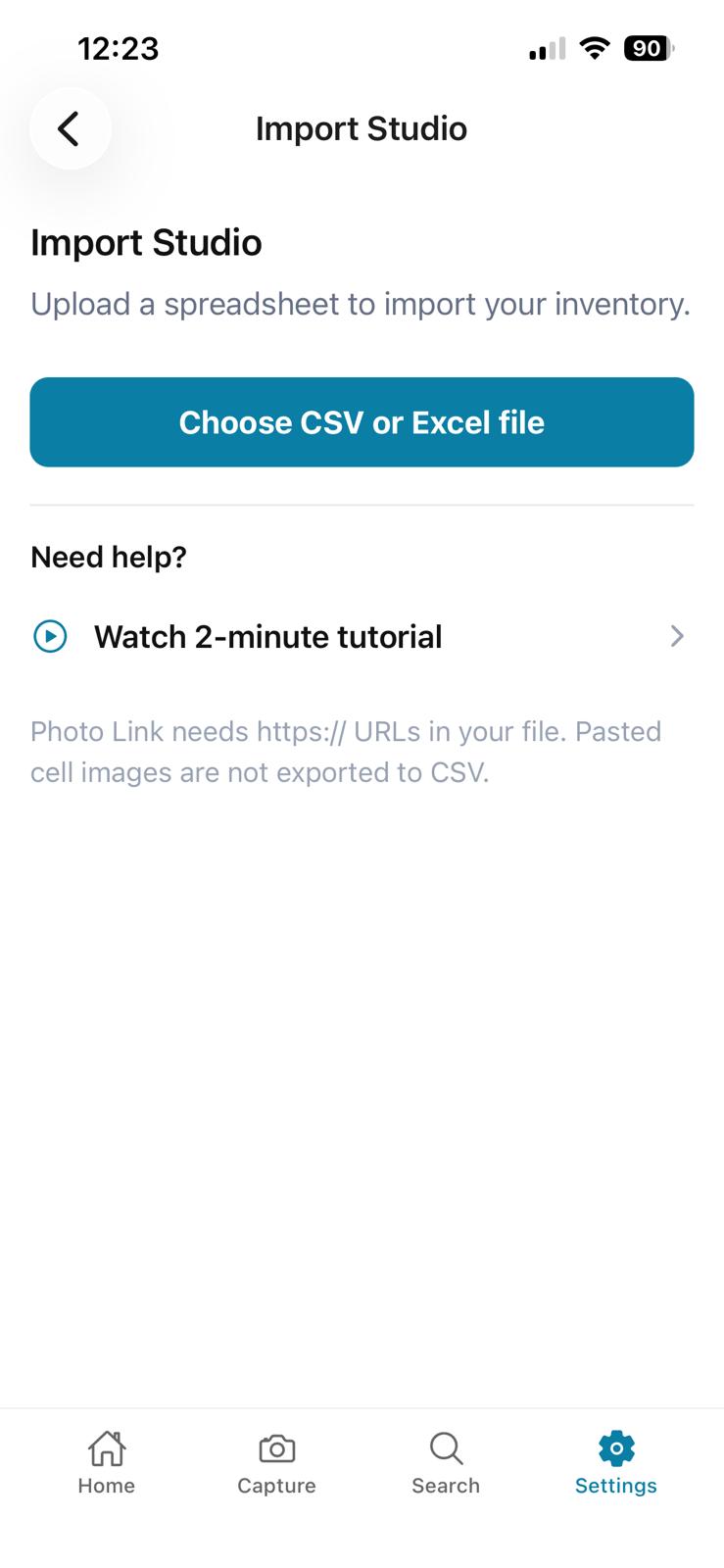
Bring in a spreadsheet you already have. Import Studio takes a CSV or Excel file.
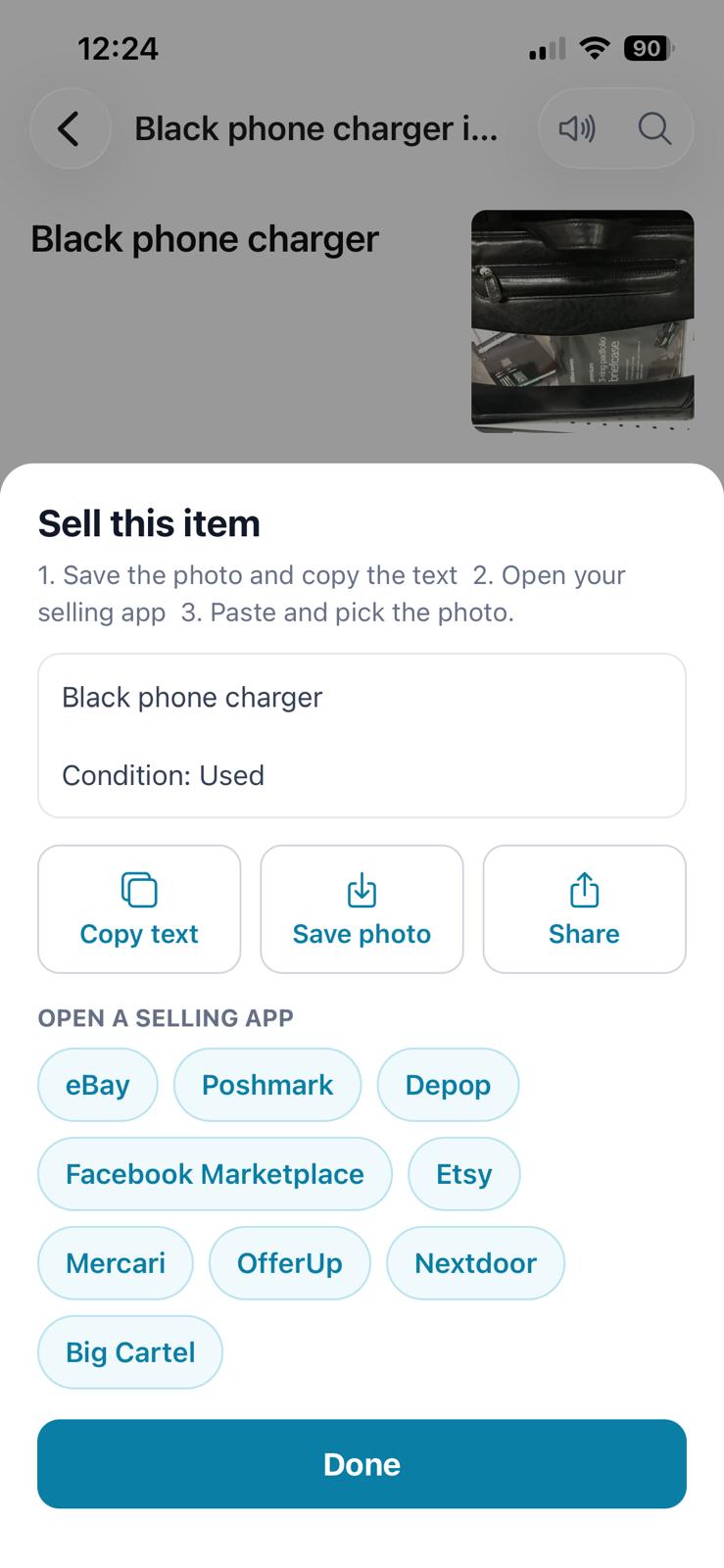
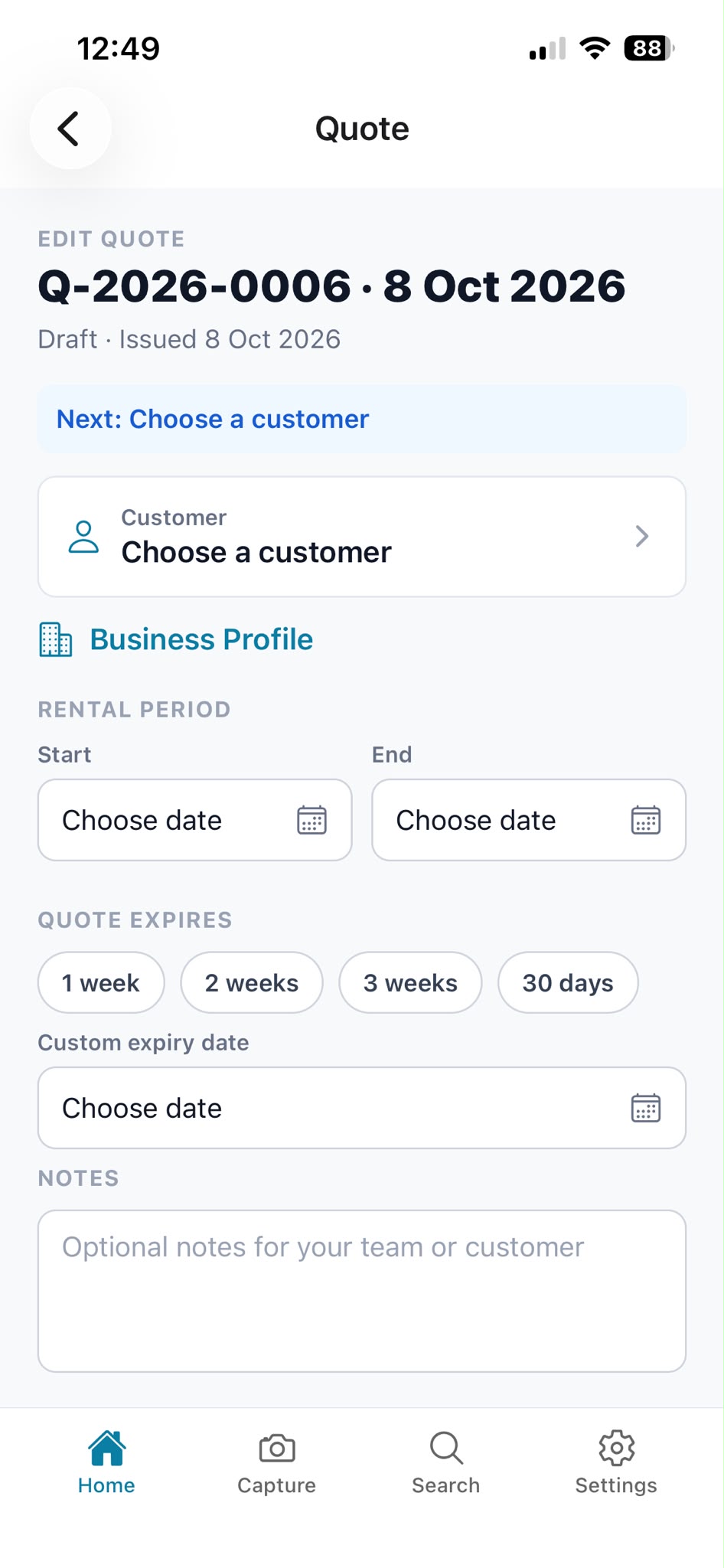
Sell one item by copying the listing into your marketplace, or open a quote from the items you already have.
Where is it? Who has it? How many do we have? What condition is it in? Did it sell? Was it returned damaged?
Give teams a visual inventory record they can return to when the work changes, the crew changes, or the thing everyone thought was finished suddenly matters again.
From production trucks to client rotations, we’re designing for inventory that never sits still.
Track pulls, staging, hero props, breakaways, rental returns, continuity, reshoots, and the things everyone swears we’ll never need again. We know better.
See what is available, out, sold, reserved, returned, damaged, or ready for the next client.
Capture kits, trucks, supplies, tool rooms, and job-site setups before they change hands.
Track serving pieces, coolers, bins, linens, disposables, rentals, and what came back after the event.
Create visual records for closets, garages, storage units, estate projects, moves, and client handoffs.
Photograph first, fill in details later, and keep searchable records of what sold, what remains, and what can be reused or listed.
A spreadsheet can tell you an item exists. A photo can show what it looks like, what condition it is in, what it was stored with, and whether it is worth sending someone to find it.
We build around the way physical teams actually work: capture the scene, identify what matters, organize it into a useful record, and update it as things move, sell, return, break, or get pulled again.
Know where everything lives even when everything moves.

A veteran film props professional turned MBA candidate leads what we’re building, after years of working with the kind of physical inventory that does not fit neatly into a spreadsheet.
On a production, a truck can be meticulously labeled and still take weeks for a new hire to truly learn. Because the hard part is not always knowing what bin something is in. It is knowing the maybes: every object that could work, every backup option, every strange little thing that might save the scene.
When special effects needs something small, round, soft, and palm-sized, the person who knows the truck may be stuck on set while the truck is a mile away and everyone is waiting.
We grew out of that exact pressure: capture the visual knowledge, reduce the repeated explaining, and help the next person find what they need faster.
Props always saves the day. We’re building to help save it faster.
MYBOXai starts with photo-based inventory capture and search. The larger goal is an operations layer that helps teams organize visual records, plan pulls, compare available inventory, prepare handoffs, and flag condition changes.
MYBOXai is for production, props, vendors, organizing, catering, tools, storage, and other physical inventory work.
MYBOXai Teams: coming soon, join the list
Built for teams that still run inventory from spreadsheets, camera rolls, texts, and memory.
Questions: hi@trymyboxai.com
Follow
Privacy policy · for app store listings and in-app reference
Examples of industries and physical workflows